
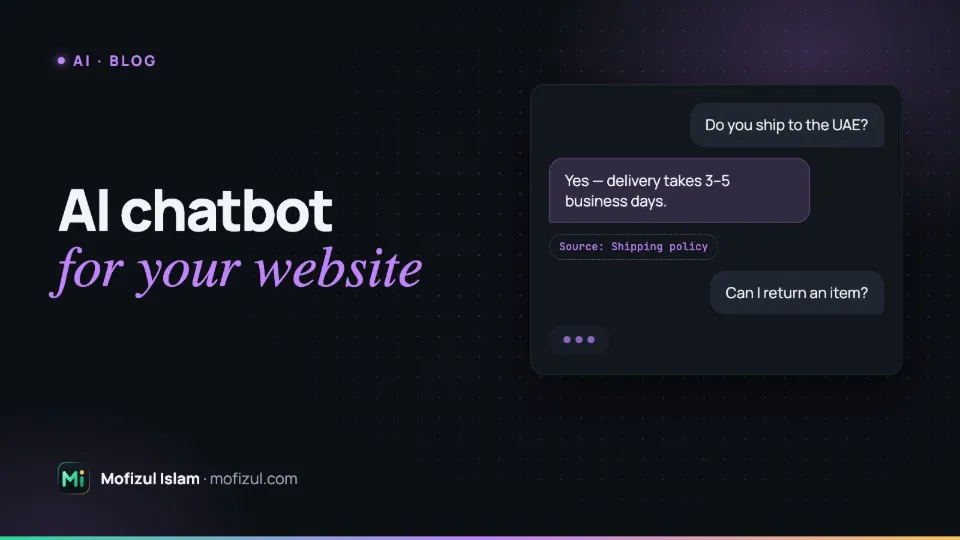
Short answer: An AI chatbot for website visitors works best when it answers only from your own content, using a technique called RAG (retrieval-augmented generation). Start with one use case, test it with real questions and always offer an easy way to reach a human.
AI chatbots have changed a lot in recent years. The old scripted bots frustrated visitors with fixed menus. Modern assistants can understand real questions and answer in plain language. However, a generic chatbot can also make things up. The key is an AI chatbot for website visitors that answers only from your own content.
I build these assistants with a technique called RAG. In this guide I explain how it works, what it costs, and how to roll one out safely.
What an AI chatbot for your website can do
- First, answer common questions about products, services, shipping or pricing.
- Also, guide visitors to the right page or product.
- Collect leads and hand complex questions to a human.
- Help staff search internal documents quickly.
As a result, your team spends less time on repeated questions, and visitors get answers at any hour.
How RAG keeps answers accurate
Simply put, RAG stands for retrieval-augmented generation. First, your content, such as pages, FAQs, PDFs and policies, is split into small pieces and indexed. Then, when a visitor asks a question, the system finds the most relevant pieces. Finally, a language model writes an answer using only those pieces, and it can show the source.
This approach greatly reduces made-up answers. It also means you update the bot simply by updating your content.
Step-by-step rollout plan
- Pick the goal. For example, reduce support emails about orders and shipping.
- Gather the content. Collect accurate, up-to-date pages and documents.
- Build and index. Connect the content, a search index and a language model.
- Set the rules. Tell the bot to say "I don't know" and offer a human when unsure.
- Test with real questions. Use questions from your inbox, and fix weak answers.
- Launch small. Start on a few pages, then expand.
Real examples of a website AI chatbot
To make this concrete, here are three typical setups and what each one needs.
An online store. The bot answers questions about shipping times, returns, sizes and product details. For this, it needs the product catalogue, the shipping and returns pages, and clear rules for order-specific questions. In most cases, it should hand those to a human or to an order-tracking page.
A service business. For example, a clinic or a law firm can use a bot to explain services, prices and opening hours, then book a call. However, it must never give personal medical or legal advice. So the rules matter as much as the content.
A software company. Here, the bot searches documentation and help articles. As a result, customers find answers without opening a ticket, and the support team sees which topics need better docs.
In each case, the pattern is the same: accurate content, clear limits and an easy path to a person.
Choosing a language model
Today, several providers offer strong models through an API, including Anthropic, OpenAI and Google. In practice, the content and retrieval quality matter more than the exact model. So choose based on answer quality in your tests, cost per conversation and data policies. Then keep the integration flexible, so you can switch later. After all, models improve quickly.
Privacy and safety
Importantly, never feed private customer data into the bot unless you truly need to. In addition, tell visitors they are talking to an AI, and give them an easy way to reach a person. Check your provider's data policy, and make sure conversations are not used to train their models if that matters to you. The NIST AI Risk Management Framework is a useful reference for larger companies.
How much does a website AI chatbot cost?
There are two parts to the cost. First, the build: connecting your content, designing the chat widget and testing. Second, running costs: the model API, the search index and hosting. For most small and mid-sized sites, running costs scale with usage and stay modest. Meanwhile, the time saved on support often covers them quickly.
Common mistakes with a website AI chatbot
- Launching without testing real customer questions, which hides weak answers until visitors find them.
- Feeding outdated content, because that leads to outdated answers.
- Hiding the human contact option.
- Letting the bot answer topics it should not, such as legal advice.
Measuring your website AI chatbot
To start, track how many questions the bot answers, how many get handed to a human, and what visitors rate the answers. In addition, review a sample of conversations each week. Those reviews show which content to improve next, and the bot gets better over time.
AI chatbot for website: common questions
Will it replace my support team?
No. Instead, it handles repeated questions, so your team can focus on complex cases that need a human. Therefore, think of it as a first line of help, not a replacement.
Can it work in more than one language?
Yes. Modern models answer well in many languages, even when your content is in English. However, test each language with real questions before you launch, because quality can vary.
Does it work with WordPress?
Yes. The chat widget can be added to any site, including WordPress and WooCommerce, and it can use your pages as its knowledge base.
Getting started
An AI chatbot for website visitors works best when it is grounded in your own content, honest about what it does not know and easy to escalate. Start small, test with real questions, and expand once it earns trust.
Want an AI assistant trained on your content? Tell me about your use case, or see my AI services.